Enable the default interactive shell "zsh" instead of bash on your MacOs
run the command and then enter your password
# chsh -s /bin/zsh
You're done
Enable the default interactive shell "zsh" instead of bash on your MacOs
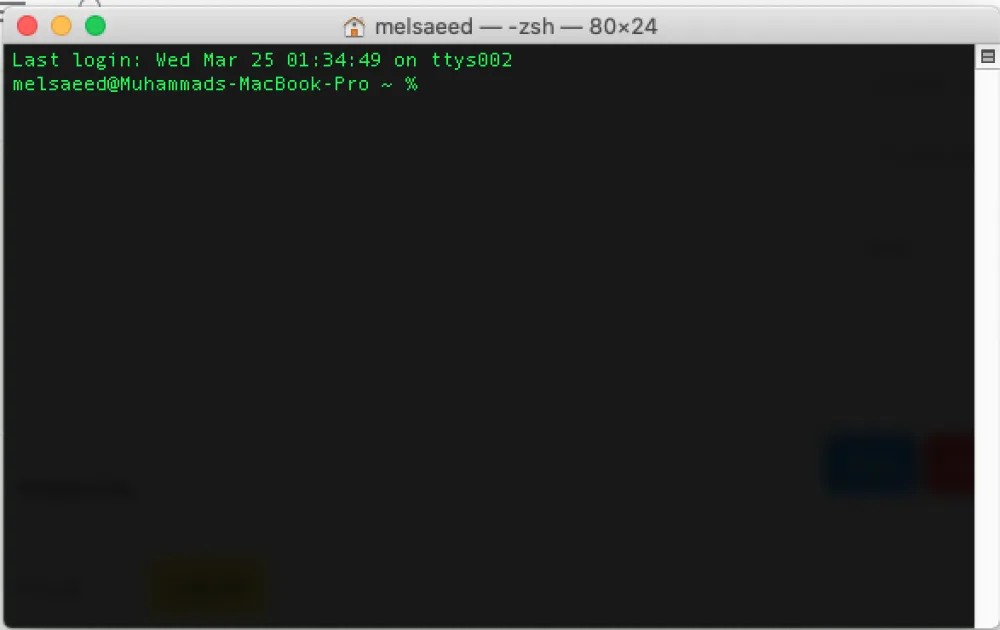
run the command and then enter your password
# chsh -s /bin/zsh
You're done
About author
Technical writer and software engineer, he's a part of the great Brightery team that have many project on the opensource community
Get Brightery Photography to build the best photography CMS for Top photographers and the best cms for photographer on the web, Easy to use, Different photography themes and get your first photograph on the internet.Best photography CMS for Top PhotographersIf you're searching for the top…
subject ReadGoogle Chrome now isn't just a browser, it's more than that, you can add extensions and edit your chrome in no time in order to make a better experience for google chrome users.Now you can just add the extension for google chrome and this extension…
subject ReadEnable the default interactive shell "zsh" instead of bash on your MacOsrun the command and then enter your password# chsh -s /bin/zshYou're done
subject Read
{{comments.length}} Comments
{{comment.name}} · {{comment.created}}
{{sc.name}} · {{sc.created}}
Post your comment