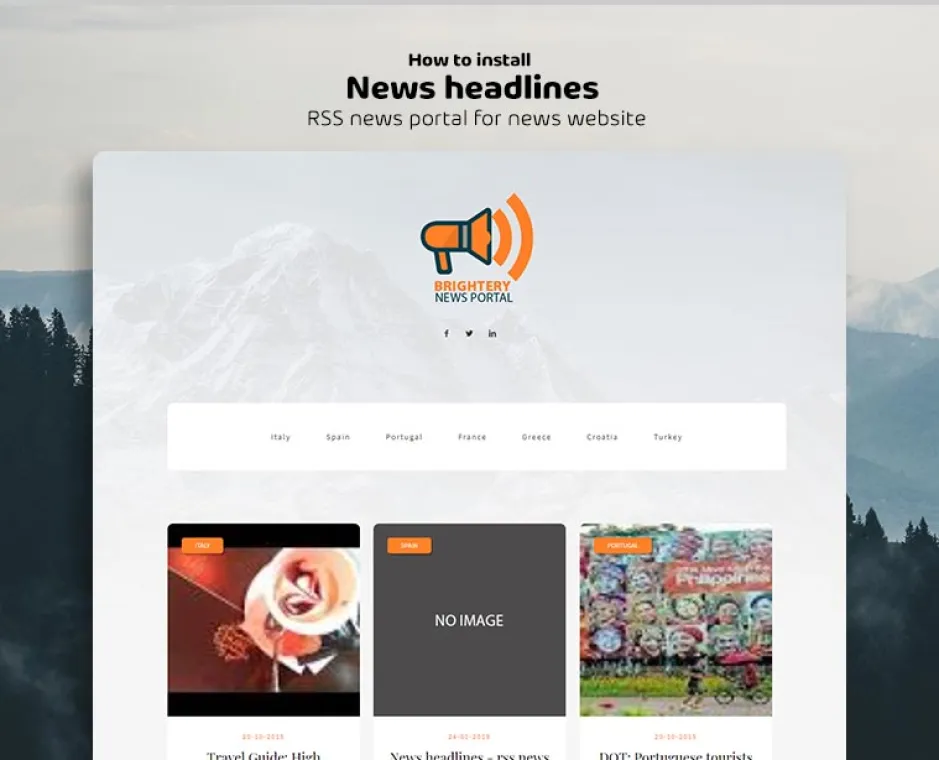
Tutorial and how to install News headlines - Script by brightery:
News headlines - RSS news portal for news website
it's a simple to use, efficient News portal application with an impressive features set. With Google News RSS Grapper, you can start your advanced news portal immediately. There's no super requirements and no advanced experience is required.
Let's see how we can set it up.
Step 1: Create your database
if you're using cPanel so it will be easy step for you, if it was not available, you can ask your hosting provider how to create a database and user with all privileges on this database.
Step 2: Import the database file
using any database client like (phpMyAdmin, SQLyog, Hedi or MySql workbench) to import the database file exist on the project root folder.
Step3: Update your config file
Now you have to open config.php file on the project root or (application/config/database.
Step4: Run it
open the installation URL and it must work fine
Related items

News headlines - RSS news portal for news website
Build one of the best news websites on the internet, responsive design, amazing looking and start blogging and create different streams RSS news through your newspaper articles.
0 Responses
Share your perspective and continue the conversation.
No responses yet
Be the first to share your thoughts.
Join the conversation